

Recording


Capture Every Moment with Ease
At Meet Hour, we understand the importance of efficient and reliable recording solutions for your video conferences. Our range of recording options ensures that your meetings are easily accessible and securely stored. Choose from integrated Dropbox storage, our own cloud storage, or custom recording capabilities to best suit your needs.
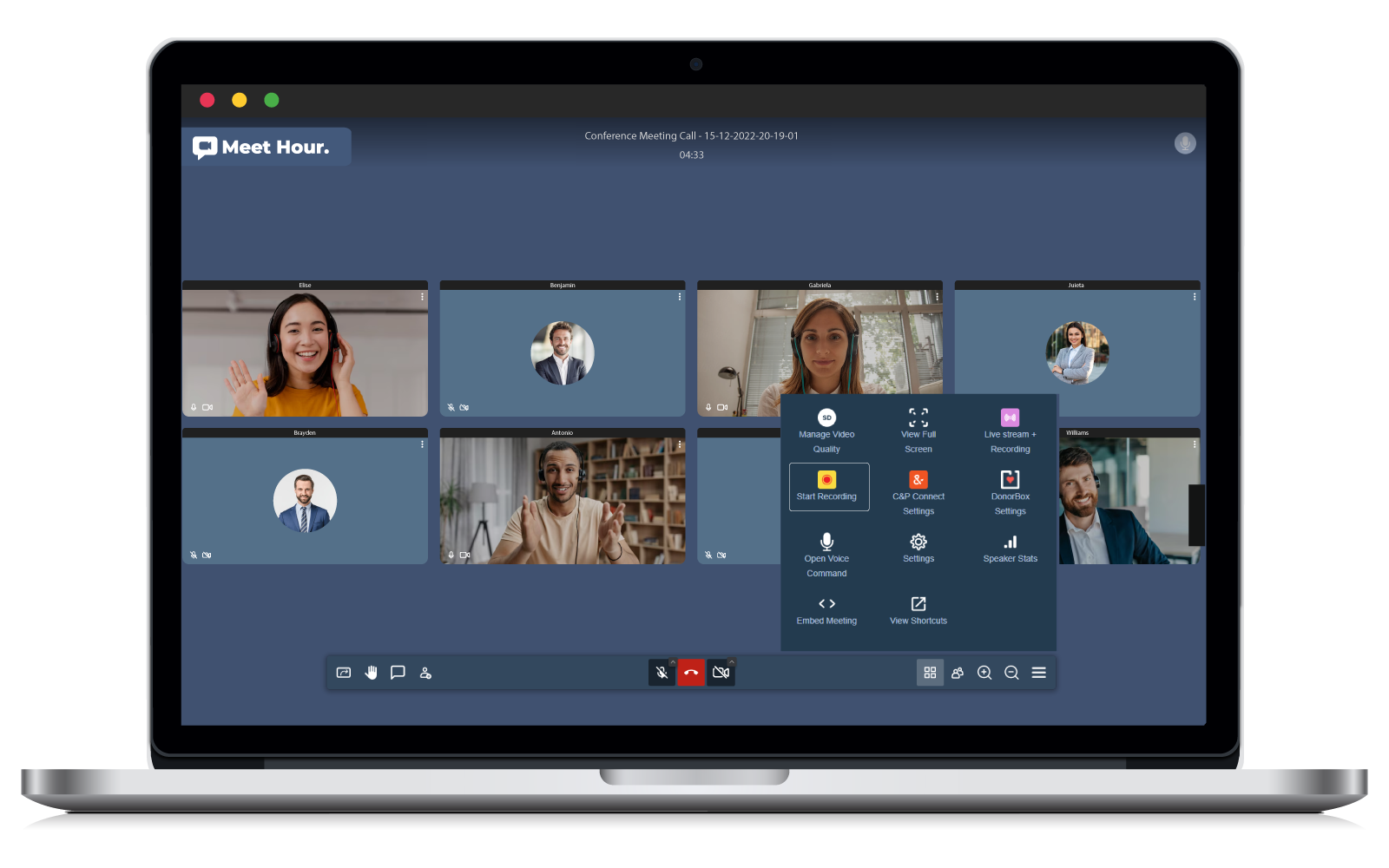

Meet Hour's Recording Trio
Meet Hour offers four storage options for your recordings, ensuring flexibility and convenience
Dropbox Recording
Store your recordings directly in your Dropbox account for easy access anytime, anywhere.
MeetHour Recording
Store your recordings securely on our servers with 15GB to 30GB of capacity, depending on your plan.
Custom Recording
With our custom recording feature, upload your Meet Hour recordings to your own AWS S3 bucket.
OneDrive Recording
With our OneDrive recording feature, save your Meet Hour recordings directly to your Microsoft OneDrive account.
Recording Participant Tile Styles
Enhance your virtual meeting experience by customizing participant tile styles.
Meet Hour offers two distinct styles
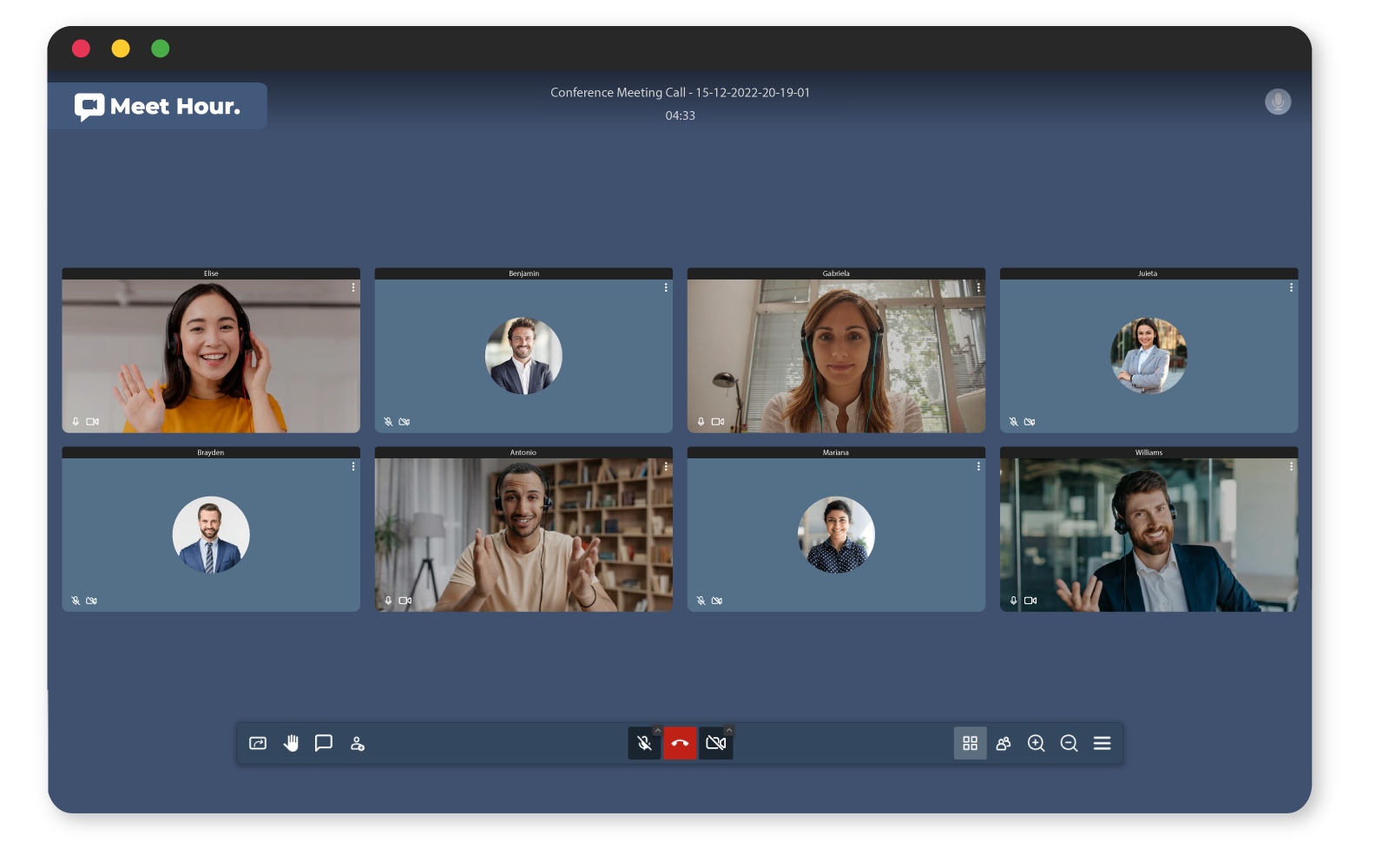
Tile View
Opt for the classic grid-like arrangement, providing a structured and organized display of participants, making it easy to follow the conversation.
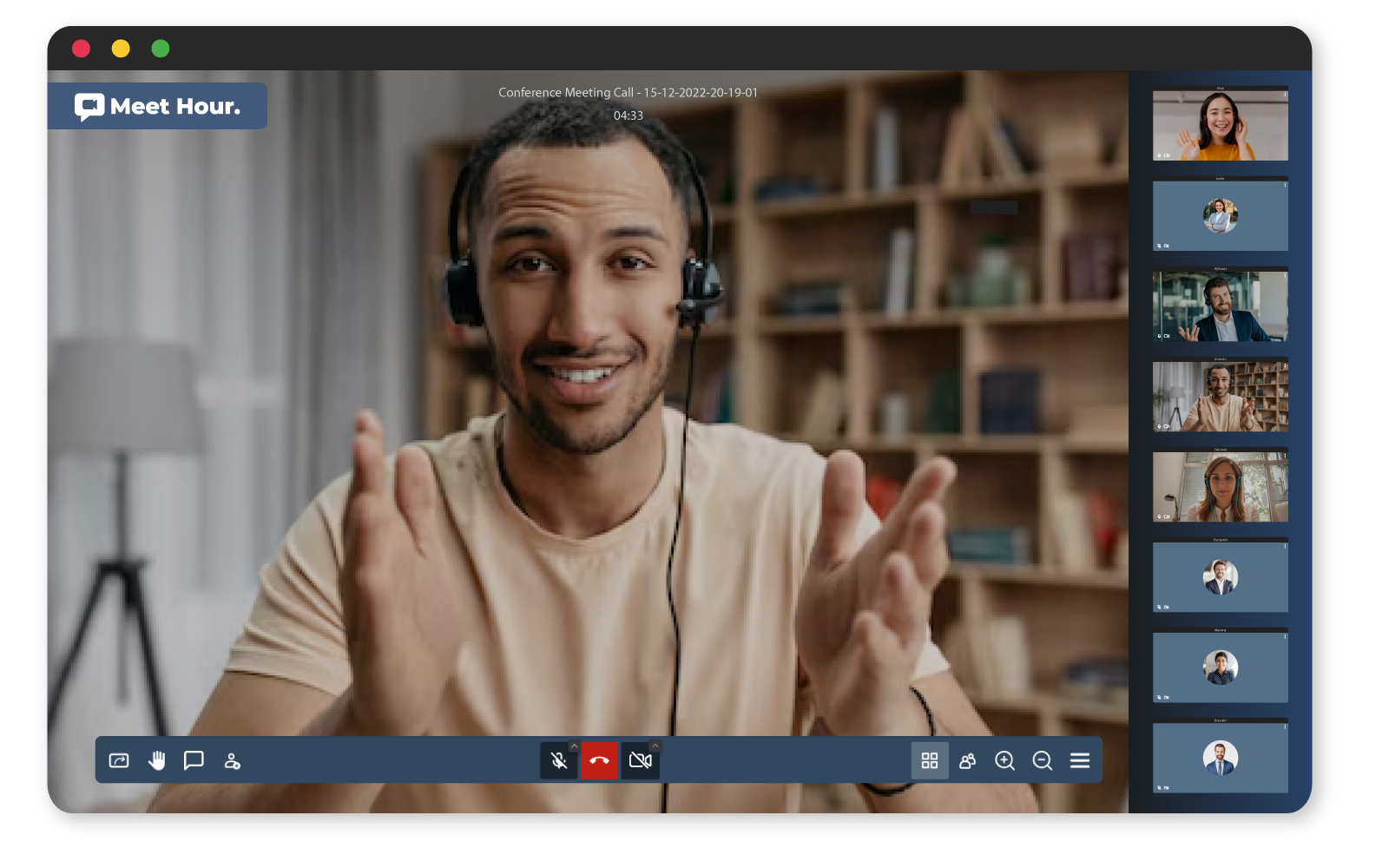
Film Strip Vertical View
Choose the film strip layout for a dynamic and cinematic feel. This style is perfect for larger meetings, allowing participants to be prominently featured for a more engaging experience.

Film Strip Horizontal View
Choose the film strip layout for a dynamic and cinematic feel. This style is perfect for larger meetings, allowing participants to be prominently featured for a more engaging experience.
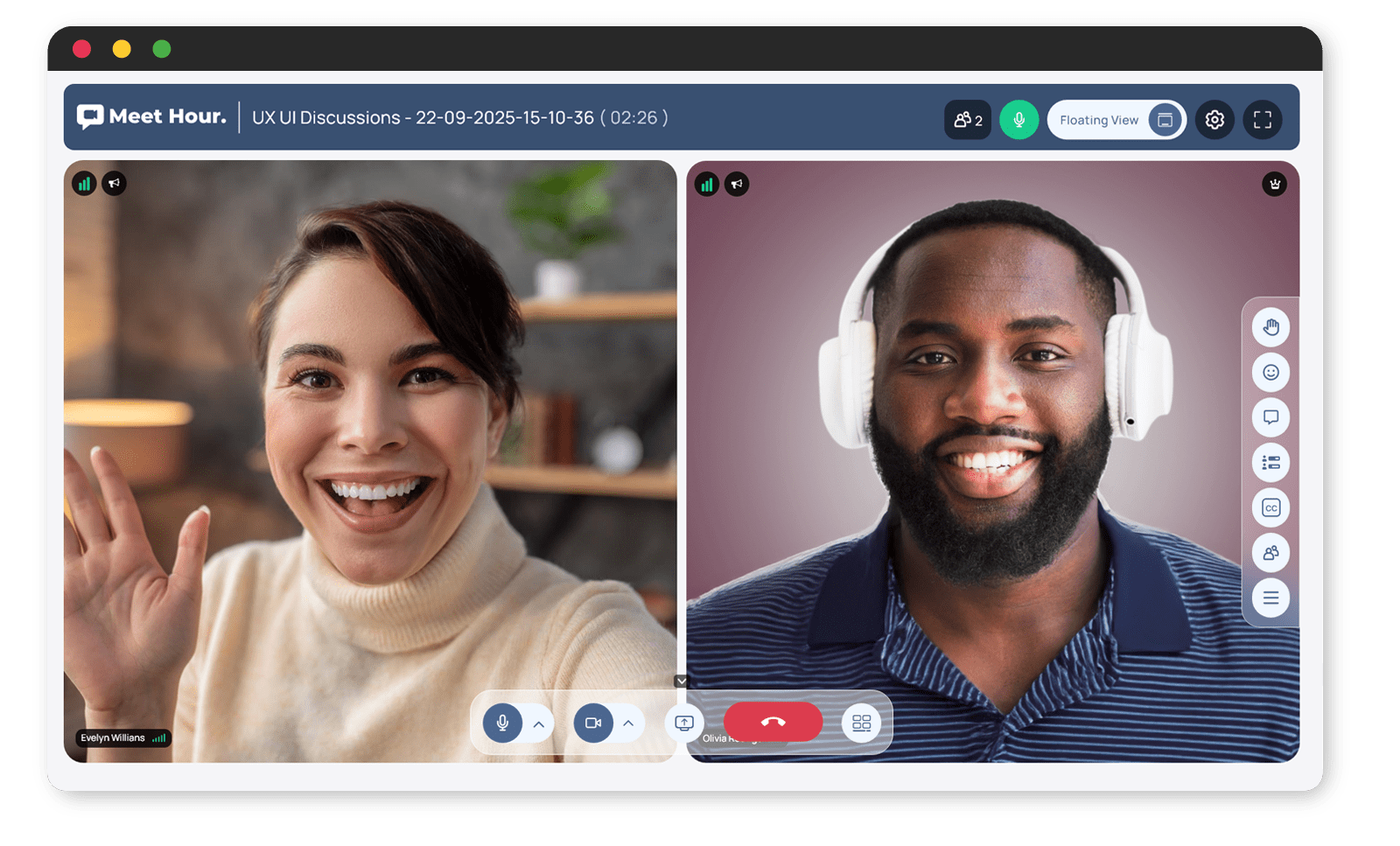
Floating View
Choose the film strip layout for a dynamic and cinematic feel. This style is perfect for larger meetings, allowing participants to be prominently featured for a more engaging experience.
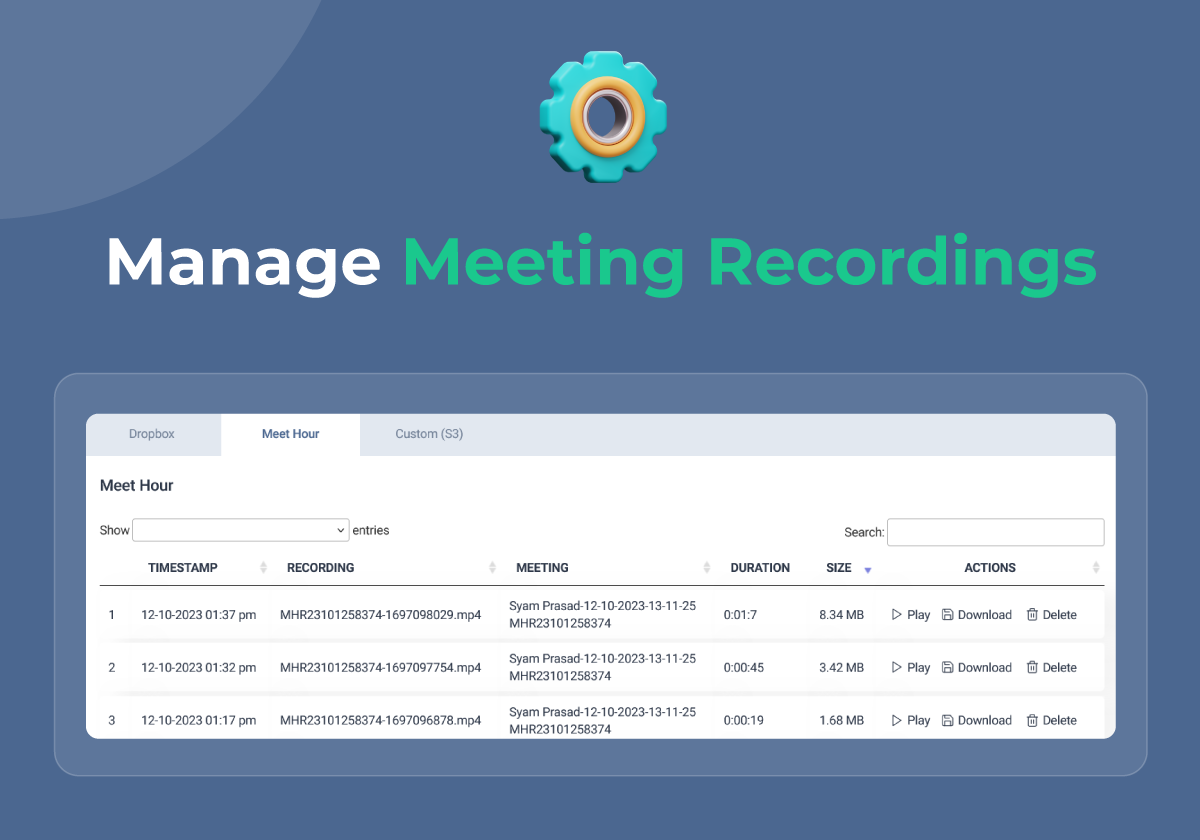
Manage Your Recordings
View, Play, and Download with Ease:
After your meeting ends, access all your recordings in one convenient location. Meet Hour allows you to view recordings directly from your dashboard, play them instantly without the need for downloads, and download them to your device for offline access or sharing with others.
Whether you want to review key points, share the meeting with those who couldn’t attend, or archive important sessions, Meet Hour provides a seamless way to manage all your recordings with just a few clicks.
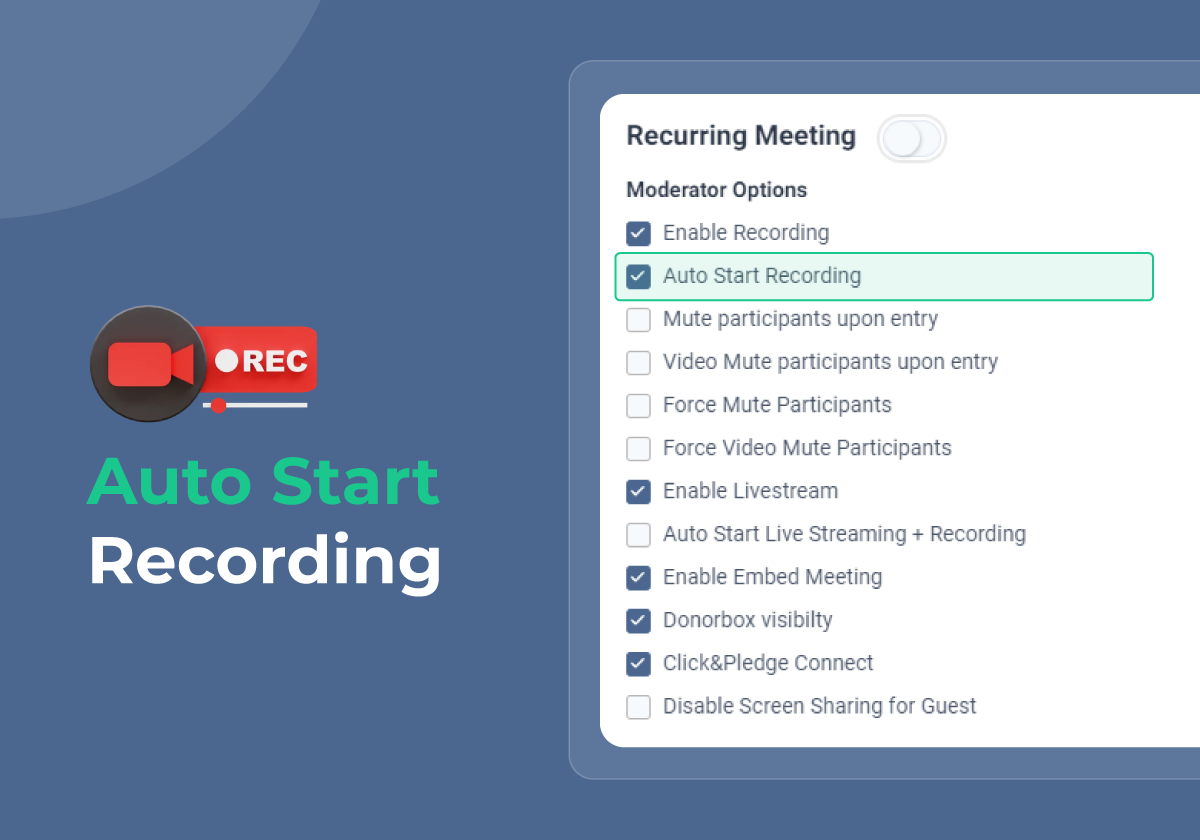
Auto Recording for Meetings
With the Auto Start Recording feature in Meet Hour, your meetings will automatically start recording as soon as the session begins. This ensures that no important discussions or valuable content are missed, even if you forget to hit the record button. No need to worry about manually starting recordings. The Auto Start Recording feature is designed to seamlessly capture the entire meeting, providing peace of mind for hosts and participants alike. This feature is ideal for webinars, presentations, or any important meeting where recording every moment is crucial. Focus on your meeting while Meet Hour handles the recording automatically.
Frequently Asked Questions
Yes. Meet Hour lets you store your recordings in the location that best fits your needs. You can choose Meet Hour Cloud Storage, Dropbox, OneDrive, or your own AWS S3 bucket for secure and flexible recording storage.
Absolutely! You can switch between Meet Hour Cloud, Dropbox, OneDrive, and Custom AWS S3 Storage at any time based on your storage preferences and business requirements.
Custom Recording Storage allows you to connect your own AWS S3 bucket to store meeting recordings. This gives you complete control over your storage, retention policies, and costs.
Yes. Meet Hour integrates with Microsoft OneDrive, allowing you to automatically save meeting recordings to your OneDrive account for easy access, sharing, and backup.
Yes. Once you've connected your Dropbox or OneDrive account, Meet Hour can automatically store your meeting recordings in your selected cloud storage location.
You can download and remove older recordings to free up storage space. Alternatively, you can upgrade your recording storage capacity by purchasing additional cloud storage.
Depending on your subscription plan, Meet Hour includes 15 GB or 30 GB of cloud recording storage. Additional storage can be purchased whenever you need more space.
Yes. All recordings are stored securely. Whether you use Meet Hour Cloud, Dropbox, OneDrive, or your own AWS S3 bucket, your recordings remain accessible only to authorized users.
• Meet Hour Cloud – Ready to use with no additional setup. • Dropbox – Ideal for teams already using Dropbox. • OneDrive – Best for organizations using Microsoft 365. • Custom AWS S3 – Perfect for businesses that want complete control over storage, security, and compliance.
Yes. You can access, play, download, share, or delete your recordings whenever you need through your Meet Hour account or your connected storage provider.
Big Brands Trust us
Trusted by Leading Brands Worldwide.